

Google Scholar uses the Google search engine to search specifically for scholarly literature, including peer-reviewed papers, theses, books, preprints, abstracts, and technical reports. It provides article-level links to subscription full text for patrons affiliated with a library.
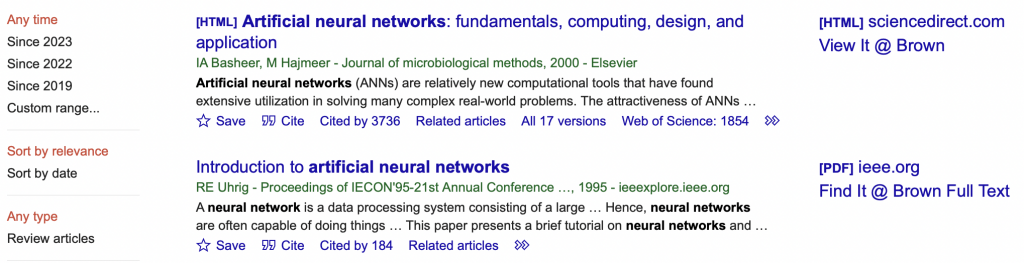
Google Scholar results include links to Brown University Library resources. Brown links will appear as:
- Find It @ Brown Full Text
- View It @ Brown
If you search from an on-campus computer, these links will appear automatically.
If you use Google Scholar off campus, these links will not appear automatically. You need to configure your Google Scholar setting:
- Go to the Library Links settings page in Google Scholar.
- Search for “Brown University” and select the following options:

- When you conduct a search in Google Scholar, you should now be able to see Brown Links.
More information on the library’s Eresources and Off-Campus Access Services.